Back to Prompts
Creative
Change Image Color
Easily adjust the colors of your images to match any mood, style, or aesthetic.
U
Usman Ghani
Change the colors in [Image1] to [desired color/style, e.g., warm tones, cool blue tones, pastel colors]. Keep the main subject and composition intact. Adjust lighting, shadows, and overall color balance to match the new color scheme. Photorealistic, high-resolution, natural-looking result.
0 copies
Related Prompts
Virtual Change Clothes
0
Creative
Keep the character in [Image1] unchanged, but replace her pant with the outfit in [Image2]. Maintain...
Cloth
AI
Anatomy Illustration
0
Creative
Draw a bilaterally symmetrical frontal anatomical illustration of the [Character], styled similarly...
Liberty Deconstructed
0
Creative
A photorealistic wide-angle landscape shot of the Statue of Liberty with the New York City skyline a...
Photographic
AI
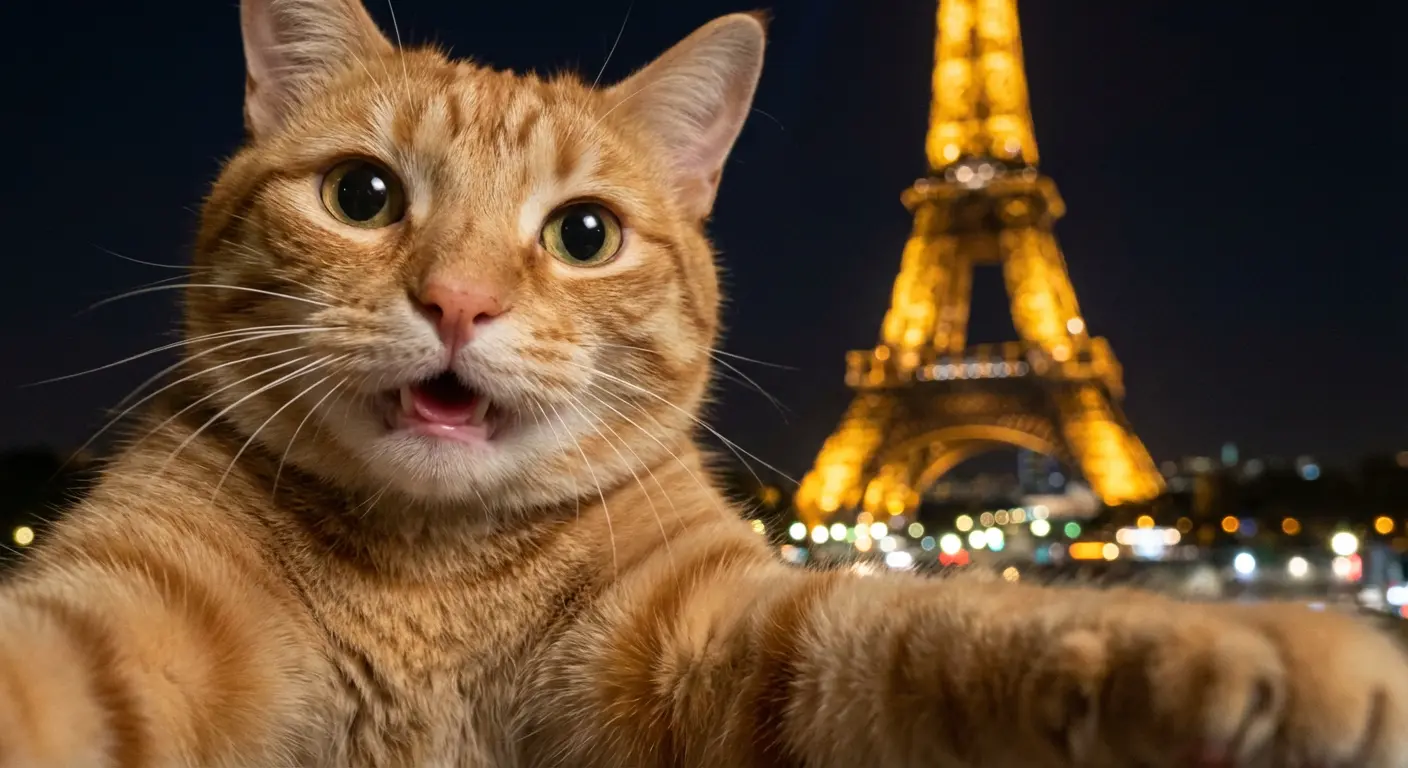
Paris Cat Selfie
1
Creative
A photorealistic selfie-like image implied to be taken by a cat itself, with a strong handheld feel,...
AI
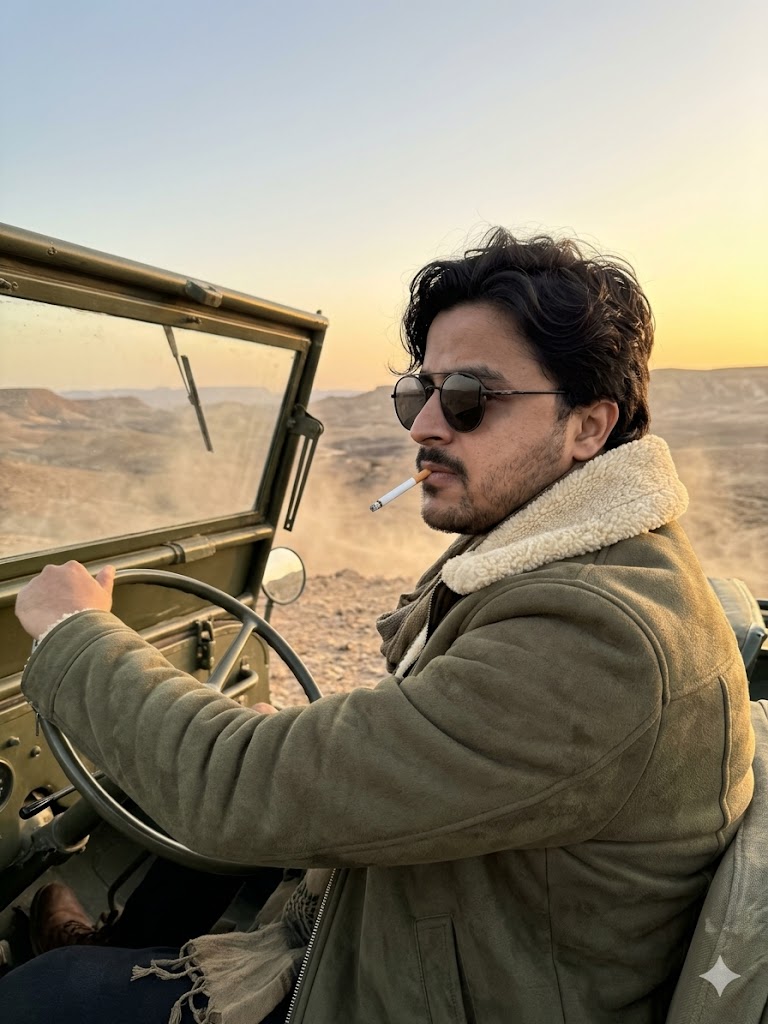
Ultra-realistic cinematic portrait of a rugged,
0
Creative
Ultra-realistic cinematic portrait of a rugged, stylish man sitting in the driver's seat of a vintag...
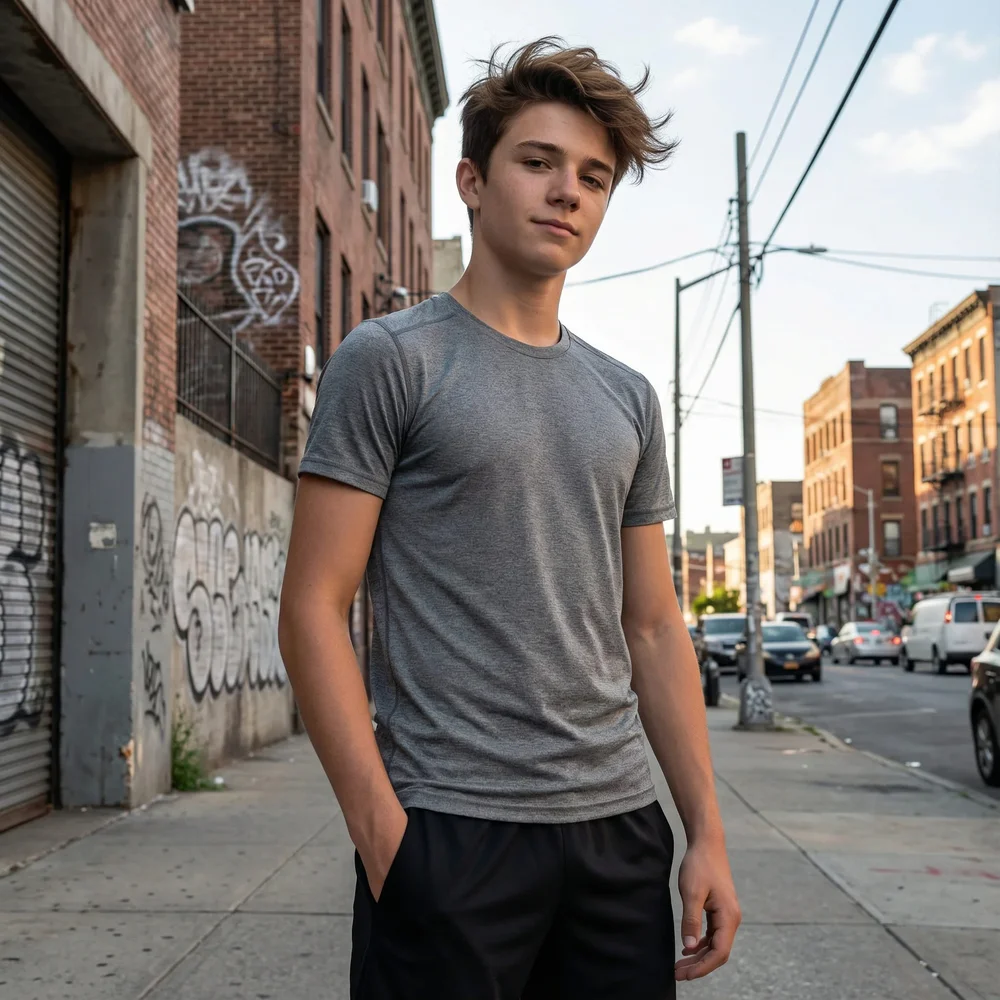
Low-Angle Confident Street Vibe
0
Creative
Teen boy street portrait, low-angle view, confident stance, urban background, natural light, realist...